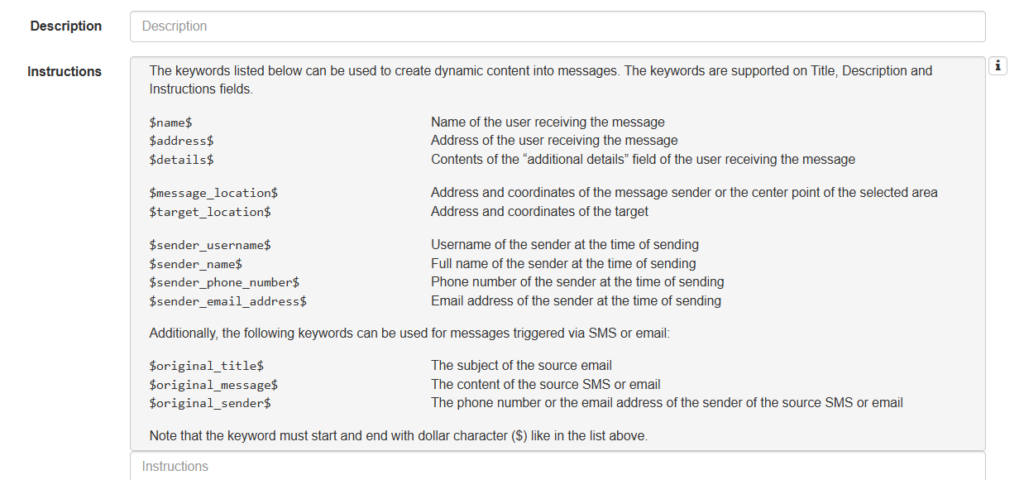
The content of a Secapp message can be supplemented with variables embedded to it. Variables are thus used by adding them to the message content, so that when the message is sent, Secapp replaces the variable with its content. For example, if the Instructions section of the message contains the line “Regards $sender_name$” and the sender of the message is John Smith, the line in the message delivered to the recipient is in the form “Regards John Smith”.
The new variables are presented in the table below.
| $message_location$ | Address and coordinates of the message sender or the center point of the selected area. |
| $target_location$ | Message target’s address and coordinates. |
| $sender_username$ | Username of the sender at the time of sending |
| $sender_name$ | Full name of the sender at the time of sending |
| $sender_phone_number$ | Phone number of the sender at the time of sending |
| $sender_email_address$ | Email address of the sender at the time of sending |
Coordinates are converted to an address using reverse geocoding. The conversion is usually accurate, but the address information may differ from the actual location in some situations.
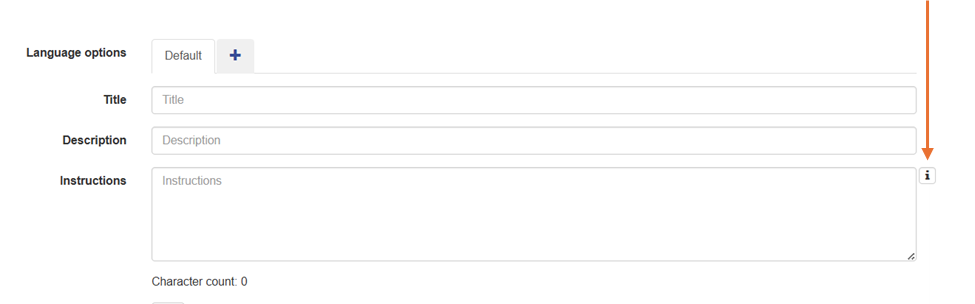
You do not have to memorize the variables. When editing a message template (or a message), you can click the Info icon next to the Instructions section.